Tutorial
A clean workflow from image selection to output
Step 1
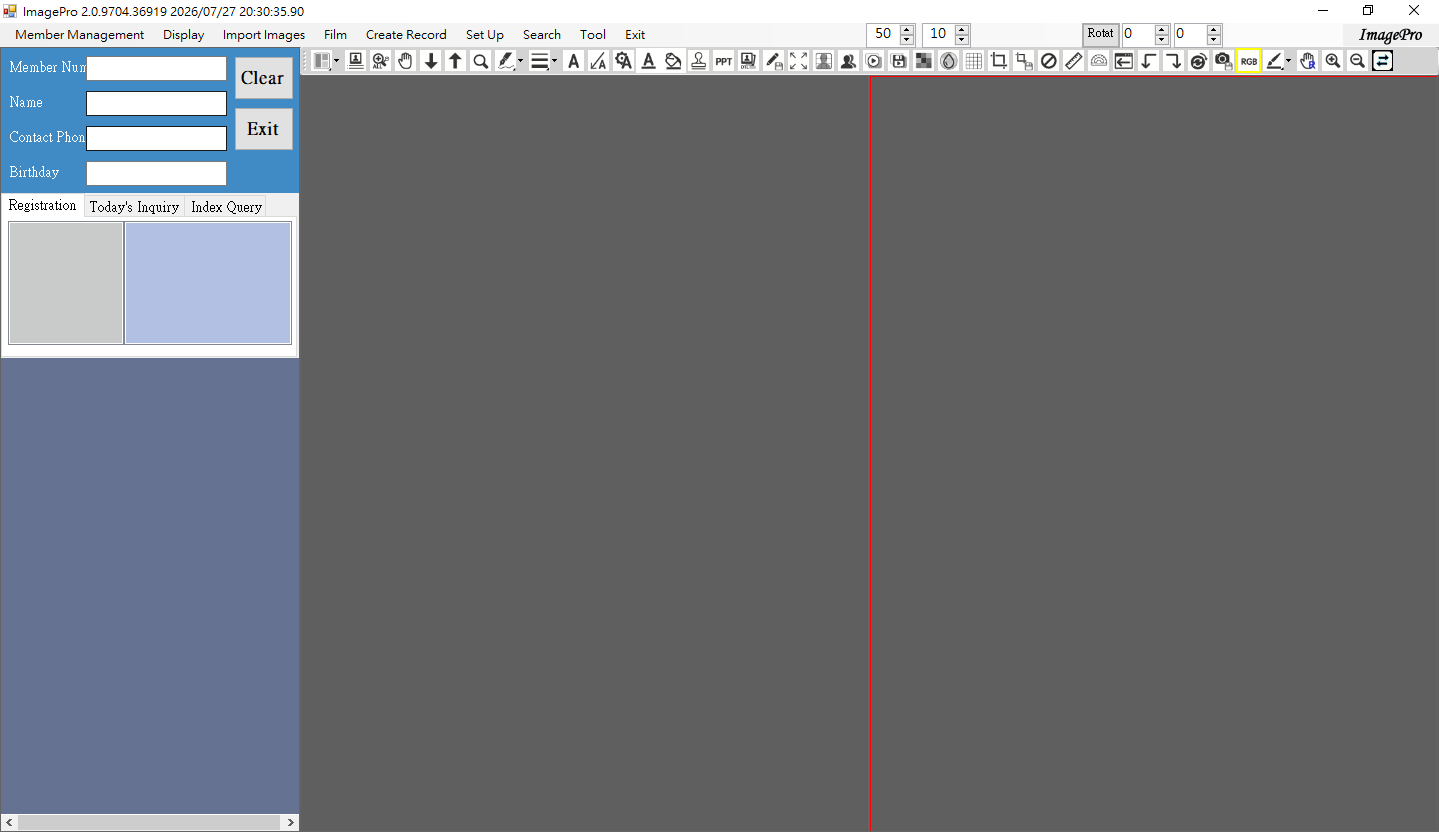
Choose a layout
Select the split-screen layout that fits the consultation scenario.
Step 2
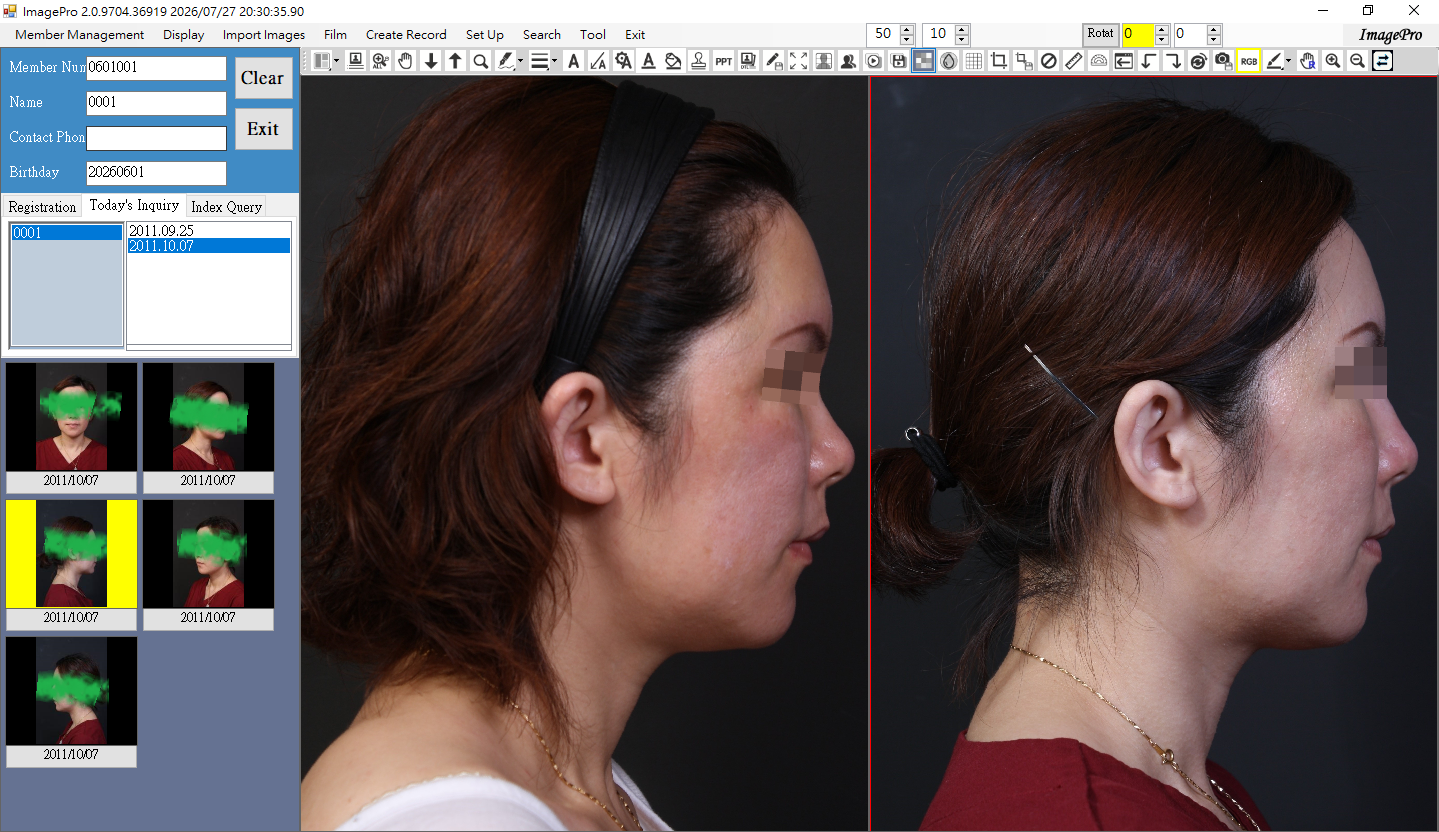
Open the image folder
Load the patient image folder or case images.
Step 3
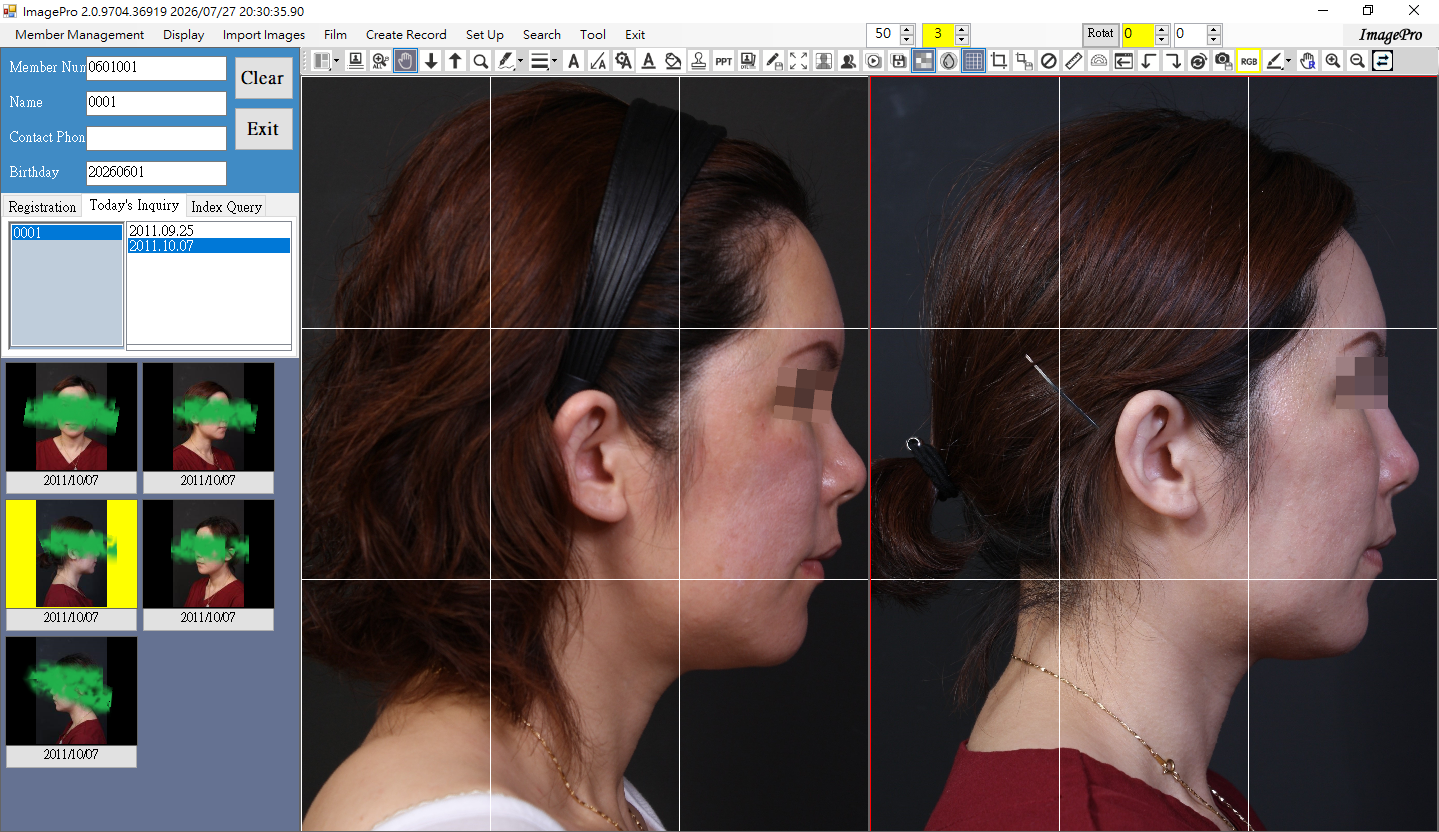
Select images
Place images into the comparison view and adjust the presentation.
Step 4
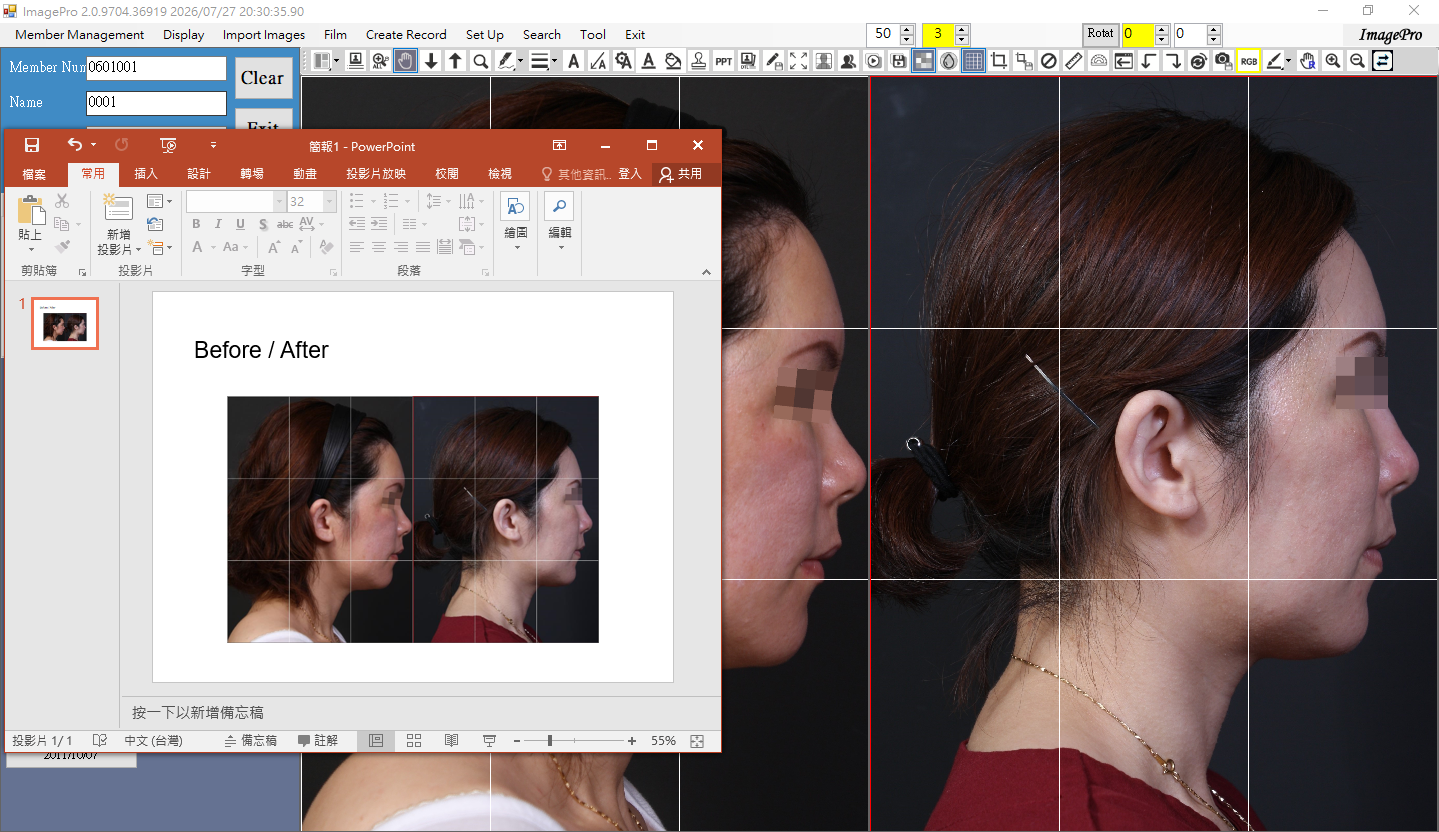
Export materials
Save snapshots or export presentation-ready materials after masking sensitive information.